Configure RADIUS on Windows (NPS)
Built an on-prem IAM decision engine for network access: I installed and configured Windows
Network Policy Server (NPS) to act as a RADIUS AAA authority. This centralizes
authentication and authorization so network devices (VPN / switch / Wi-Fi) can outsource the “who are you + are you allowed”
decision to one policy brain — with audit logging as the foundation for detection and compliance.
Overview (My POV)
This lab wasn’t “install a Windows role.” I set up the enterprise pattern behind centralized access control:
RADIUS. Instead of every network device managing its own local users, devices become
enforcers and NPS becomes the decider. NPS checks identities in Active Directory,
evaluates policy rules, returns Allow/Deny, and records the event for auditing.
What I Did
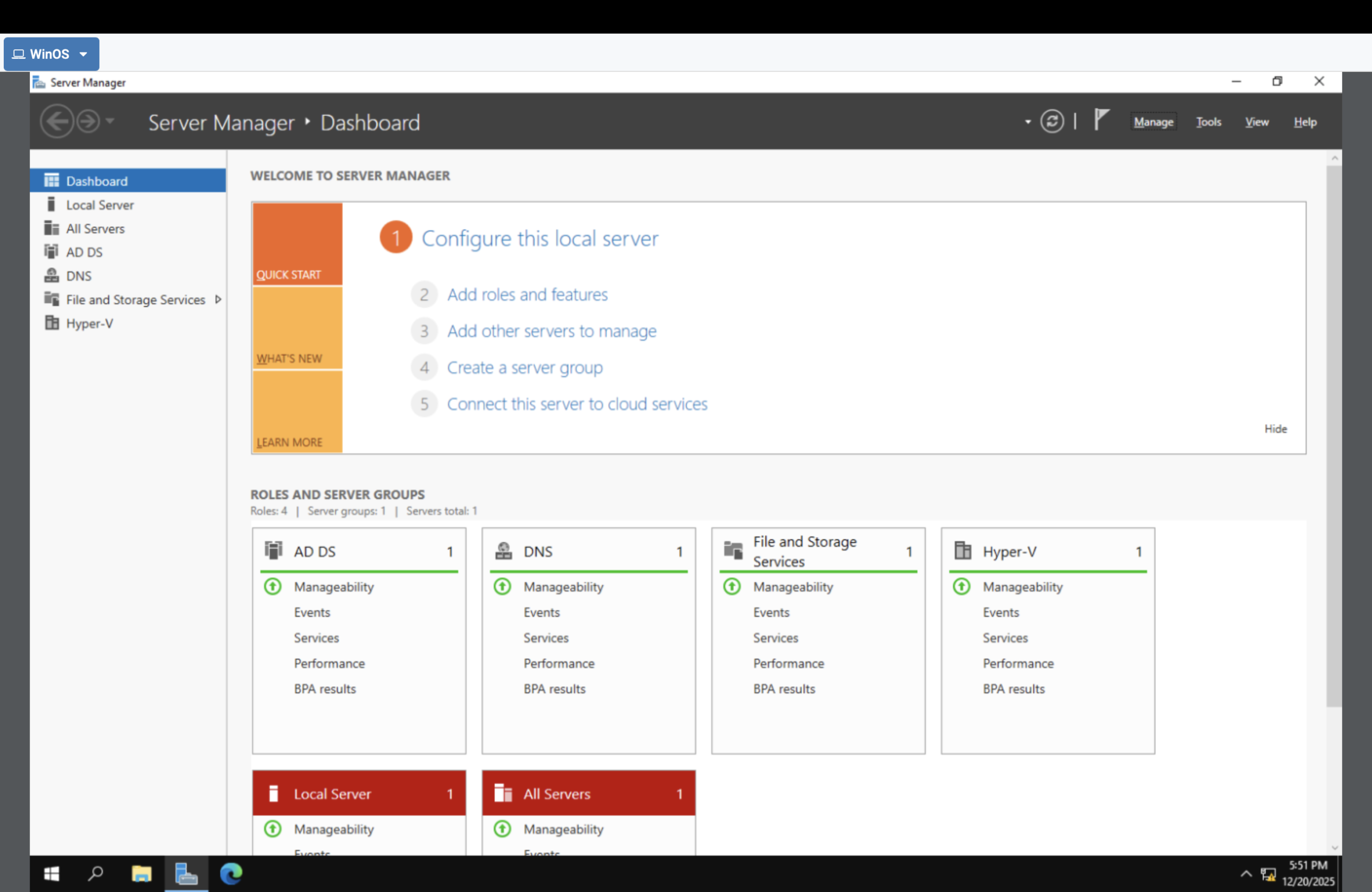
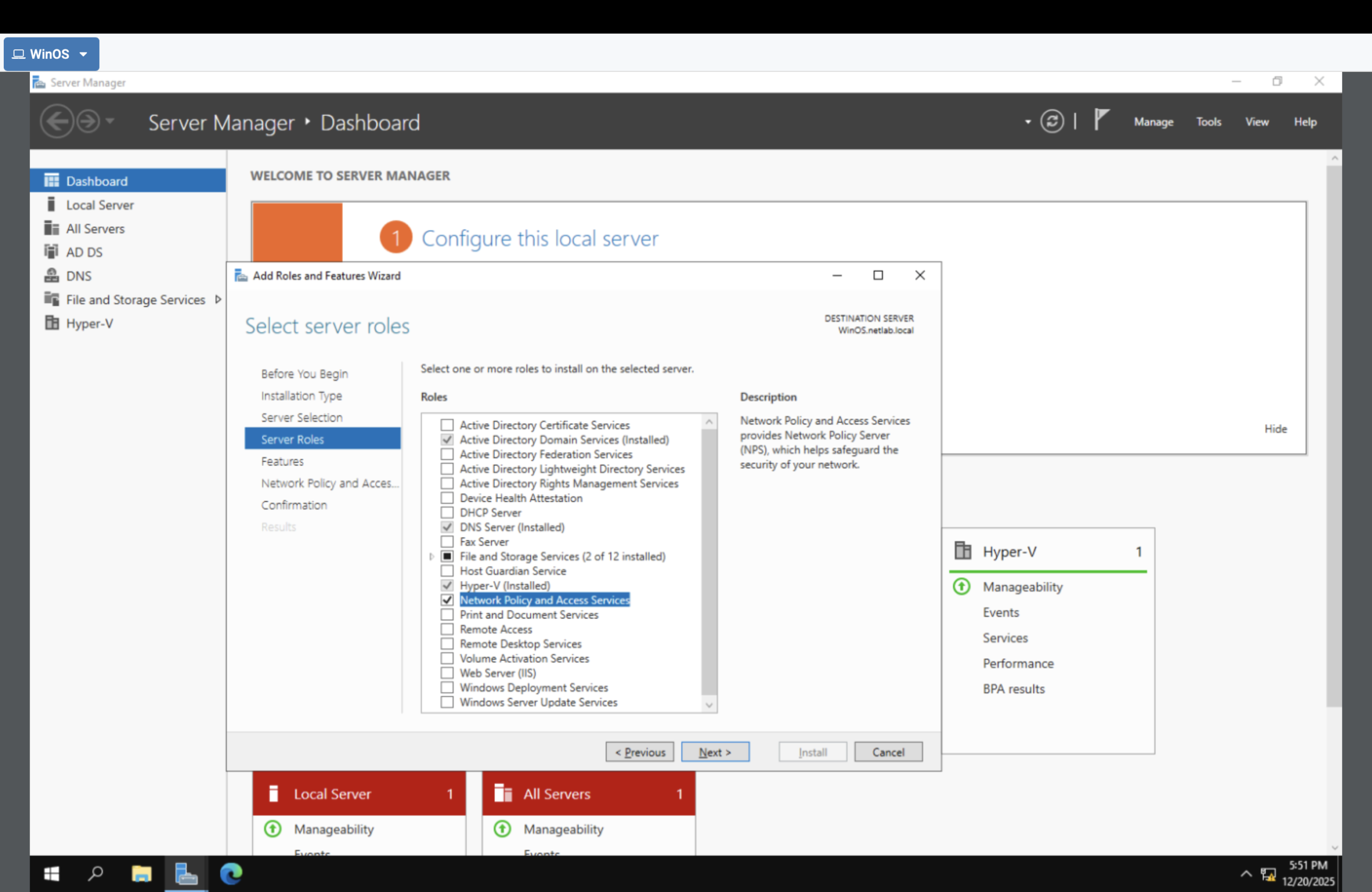
- Opened Server Manager to install a server role.
- Installed Network Policy and Access Services (NPS/RADIUS).
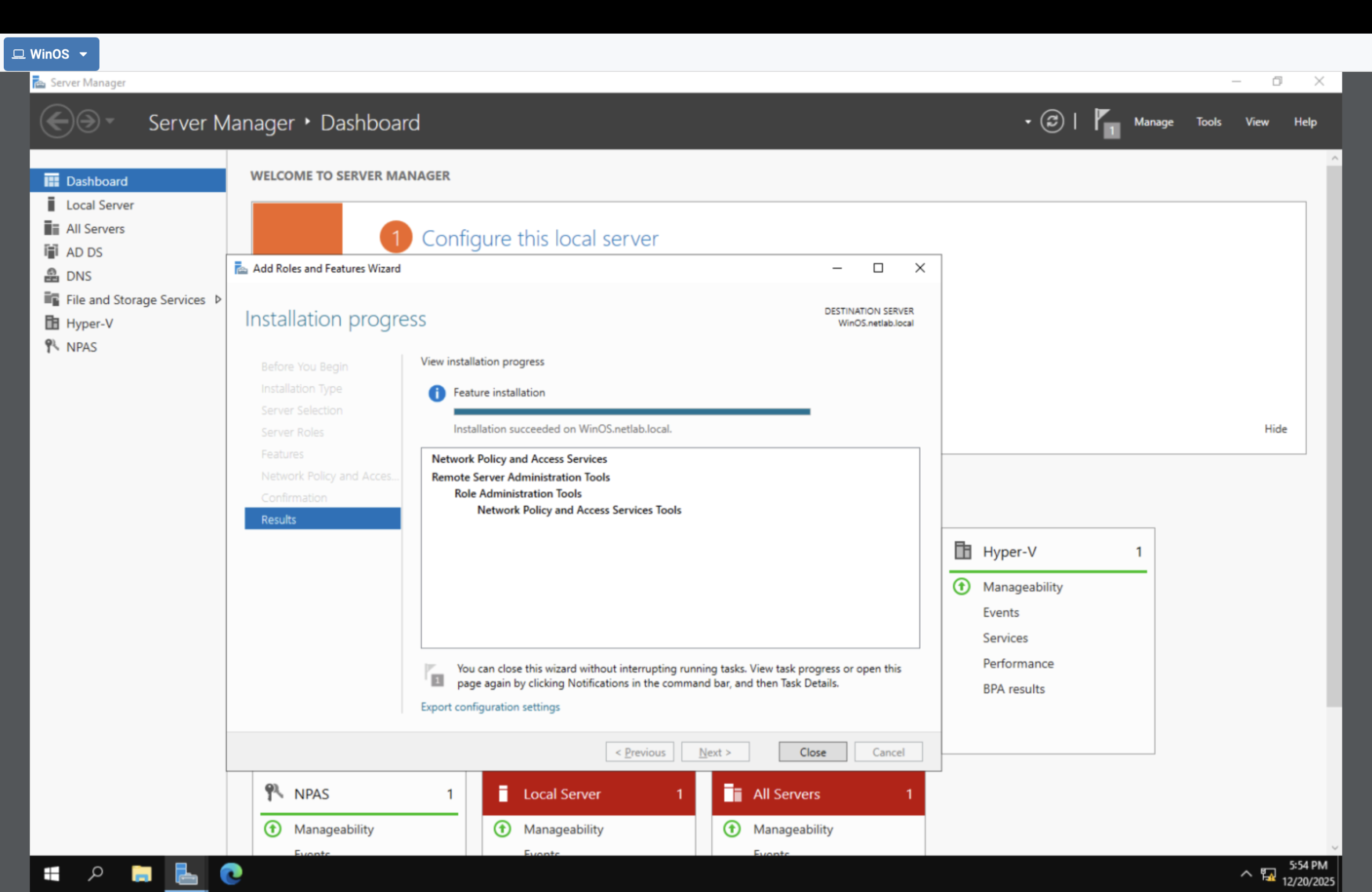
- Verified the role installed successfully.
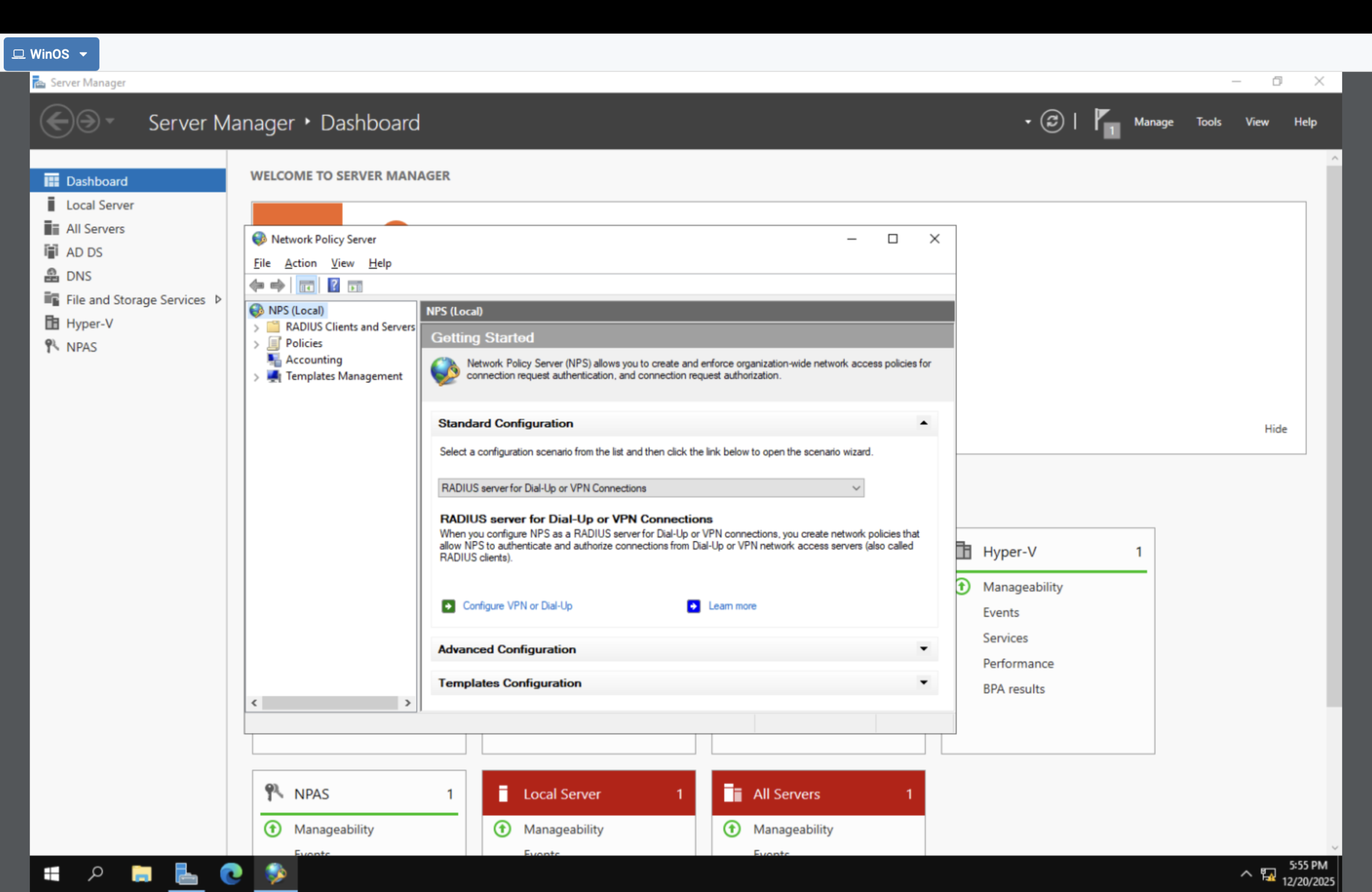
- Opened the NPS console (policy control plane).
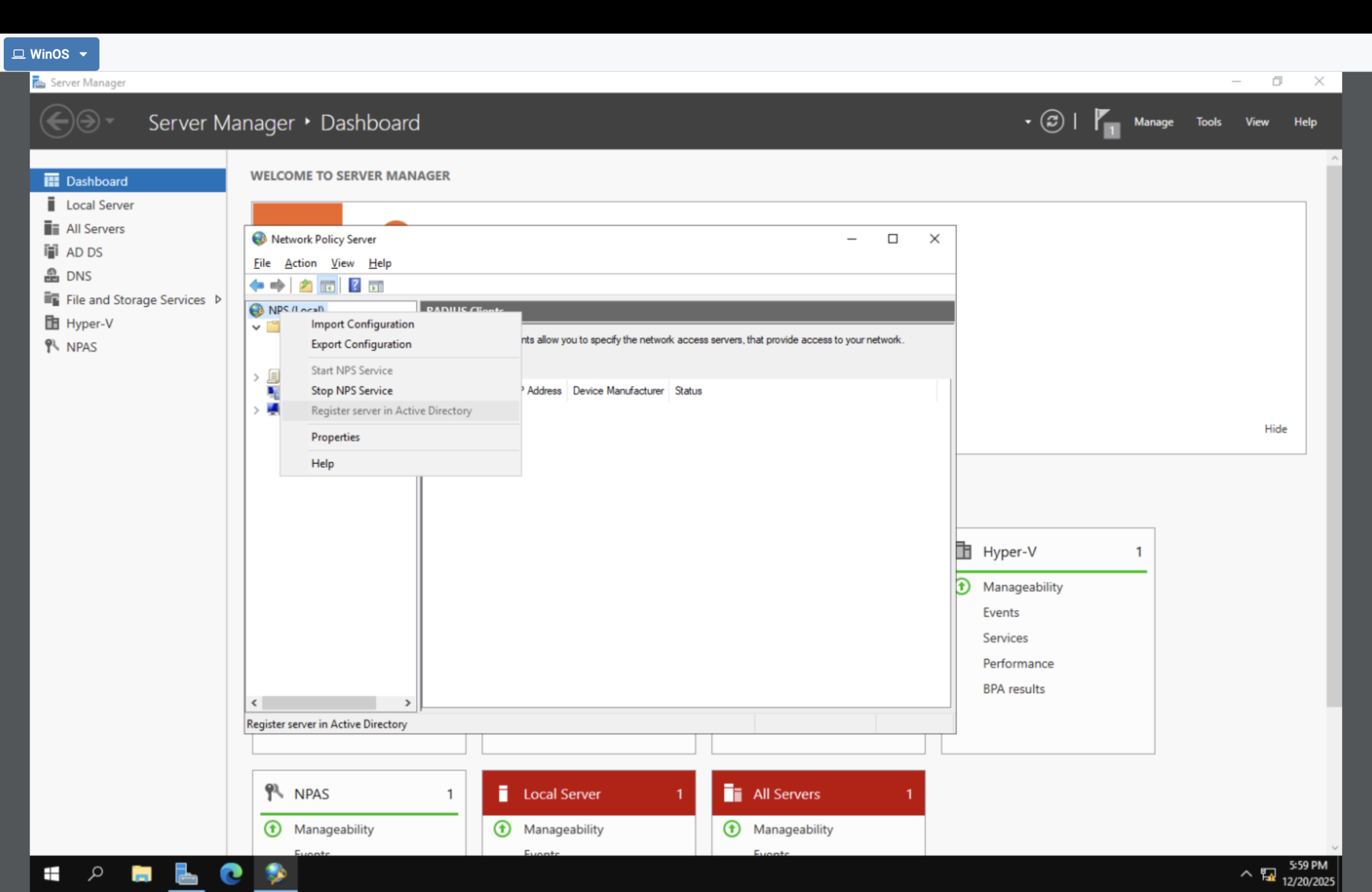
- Registered NPS in Active Directory so it can authenticate users and evaluate groups.
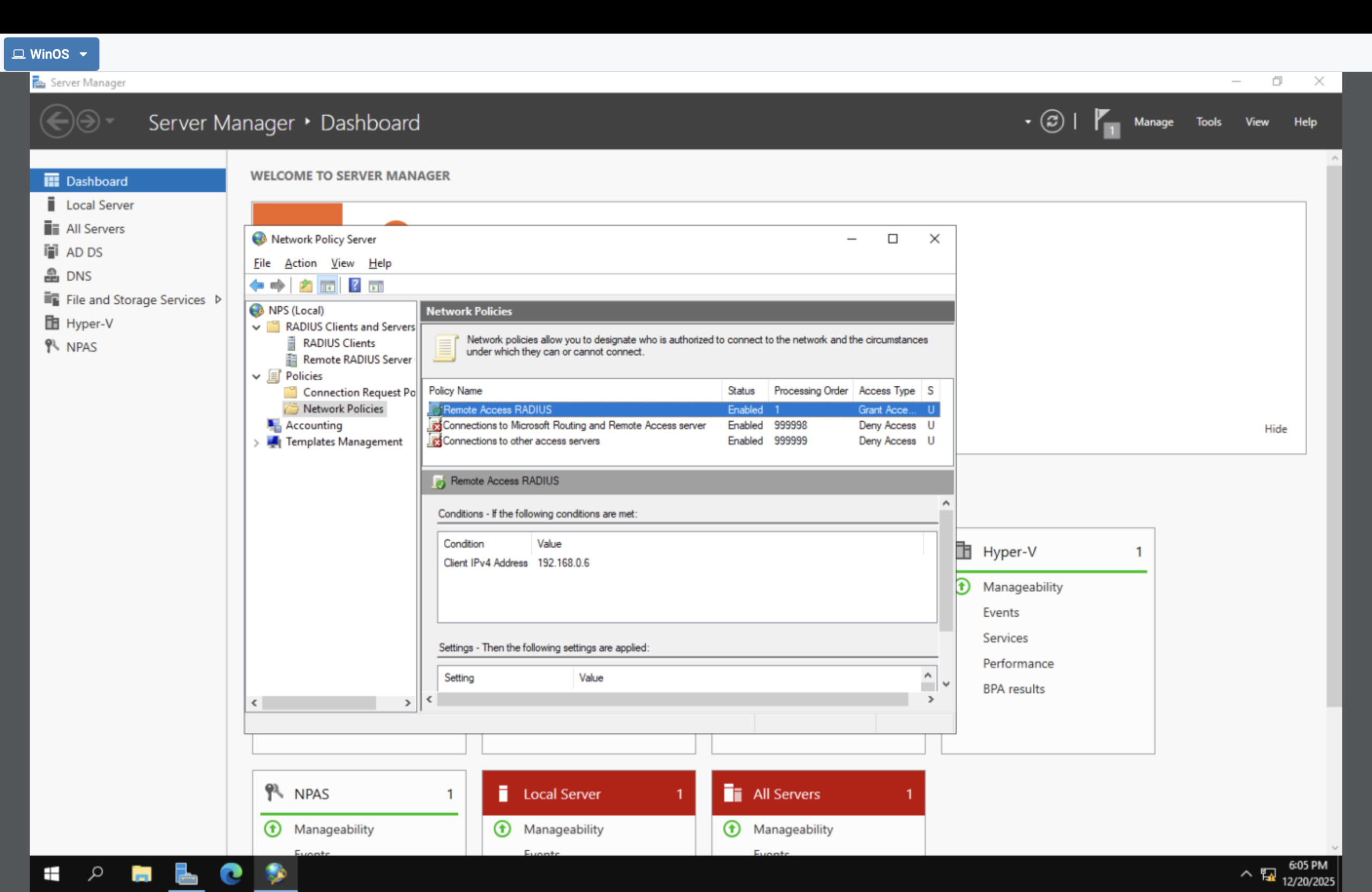
- Viewed Network Policies (authorization rules).
What a RADIUS Server Actually Is
RADIUS = centralized authentication + authorization + accounting (AAA) for network access.
RADIUS is IAM delivered as a server. Network devices (VPN/switch/Wi-Fi) enforce access, but they outsource the
decision to NPS. NPS checks identities in Active Directory, applies policy rules, and returns Allow/Deny.
- Authentication: verify identity
- Authorization: apply policy (who can connect + conditions)
- Accounting: record events for auditing and investigations
Architecture (who does what)
User
  |
  v
Network Device (VPN / Switch / Wi-Fi AP)
  |
  v   RADIUS request
NPS (Policy Decision Point)
  |
  v
Active Directory (Identity + Groups)
  |
  v
Allow / Deny (+ conditions + logs)
Device enforces. NPS decides. AD identifies.
Proof Gallery
Result
- Built an NPS (RADIUS) AAA authority on Windows Server.
- Linked the policy engine to Active Directory for identity + group evaluation.
- Verified authorization logic exists (Network Policies).
- Created the foundation for centralized network access control + auditing.
Why This Makes Me Valuable
Most people treat IAM as “console stuff.” I understand IAM as a control function that exists in every
environment: identity store → policy decision point → enforcement point → audit trail. That architecture thinking scales
from RADIUS on-prem to Entra/AWS Zero Trust.